
How to Plan a Moving Budget?
How to Plan a Moving Budget?

Enter at least 3 characters.
Fast and careful relocation of IT equipment, servers, and office inventory with clear coordination and protection of every device. We tailor the plan according to your needs and the type of business premises.



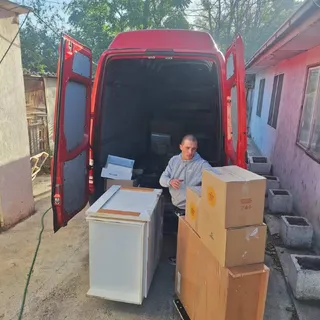

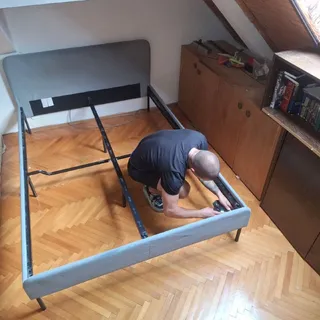
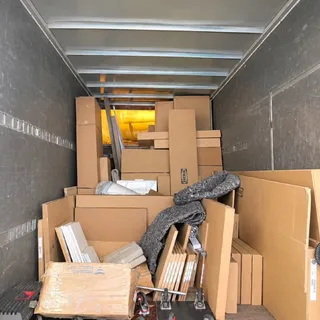
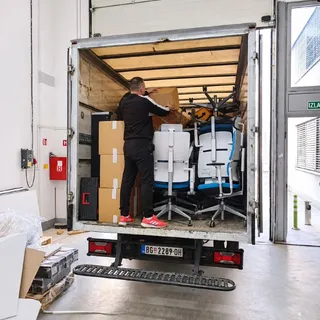
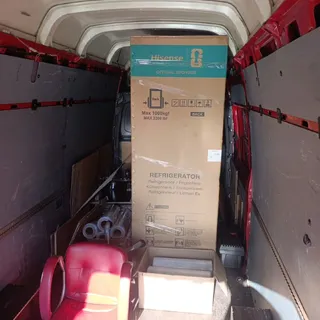
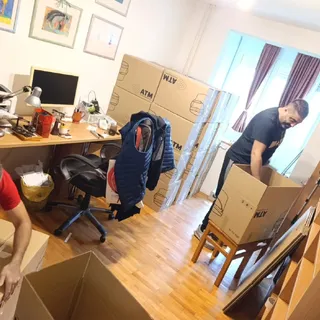
Relocating IT companies and offices requires detailed organization and close cooperation with your IT team. Our team ensures the safe transfer of computers, servers, and office furniture, with clearly defined phases. Each move has an individual plan to minimize downtime and enable a quick return to normal operations. For company relocations involving a large number of computers, the order of workstation moves is especially important.
The IT company relocation service includes packing, protection, carrying, and transportation of computers, monitors, server units, network equipment, and office inventory. We pay special attention to servers and high-performance workstations. In coordination with the company's IT team, we define the phases of shutdown, packing, and transport to reduce the risk of data loss and enable a faster resumption of work. Moves are often conducted in stages, keeping key company functions available as long as possible. We arrange the relocation of equipment from server rooms and keep records of every component. Read more about our company relocation services in detail.
The activity plan is aligned with your IT team's needs. The standard service does not include data migration or technical server disassembly unless specifically agreed upon. Our priority is the physical protection of devices and a clear component layout for easy installation at the new location. All relocation phases are carried out with precise division of responsibilities to avoid misunderstandings and ensure a quick return to work.
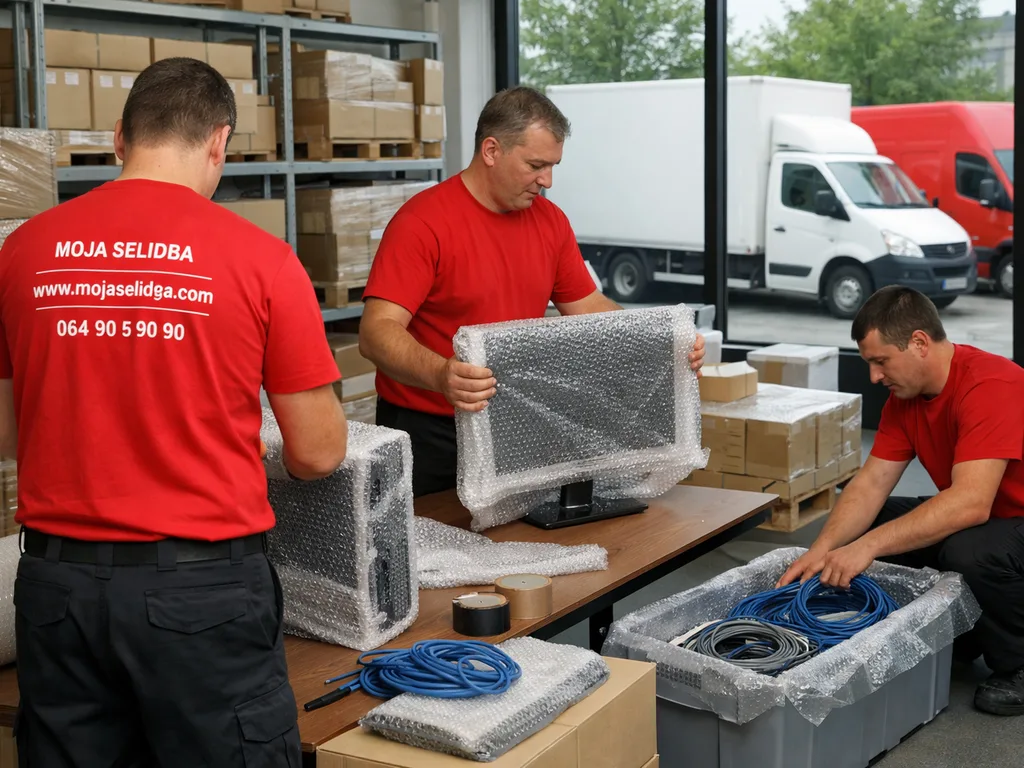
We transport all IT equipment: desktop and laptop computers, monitors, workstations, cables, routers, servers, printers, network equipment, office furniture, and small inventory. Devices connected in network systems are precisely labeled and separated to avoid errors during reconnection. Server and network cabinet relocation requires agreement on the shutdown, packing, and transport sequence. Cooperation with the IT team is crucial during physical disconnection and protection of sensitive components. For monitors and sensitive electronics, we apply relocation packing with additional protection.
The service also includes transportation of peripherals such as projectors, scanners, and other IT infrastructure.

Describe what your move includes. We provide you with a transparent estimate, answers to all your questions, and the expected moving costs. Our expert's visit to your address is also free of charge.
Before the move, we conduct a detailed inspection of the business premises and assess the IT equipment, enabling optimal logistics planning and determination of the required number of workers. During the walkthrough, we record the number of computers, monitors, servers, and other equipment, as well as the office layout. Special attention is given to server rooms, cable access points, and rooms with special climate control, which is important for preserving equipment during transport.
Access assessment includes checking corridor widths, elevators, parking possibilities, and any building restrictions. This analysis allows precise planning and equipment safety. Security protocols for moving equipment in and out are part of this process.

IT equipment is packed in padded boxes and special protective materials. Each box and device is clearly labeled according to the agreement with the IT team, facilitating arrangement at the new location. We apply grouping of equipment by sectors or departments. Labeling simplifies assembly and reduces the possibility of errors when connecting devices.
Carrying and loading equipment is performed by a trained team carefully following the order of removal according to device sensitivity. Access to rooms, stairs, and corridors is assessed in advance, and for complex IT equipment such as servers and network cabinets, special supervision and, if necessary, IT team assistance are provided. Devices requiring horizontal transport or additional protection are moved using special techniques and stabilized while passing through the building.
The use of elevators, platforms, or special carts depends on the office layout and load weight. One team member is responsible for communication with the client and coordination with the IT department. Special requests, such as priority placement of certain workstations or servers at the new location, are recorded during the process. In case of multiple floors or limited access, the team and equipment are adapted accordingly.
We organize moves in Belgrade through six simple steps, from a free estimate and scheduling to safe transport and completion of the move at the new address.





See all 14 steps, from the first conversation with the client to the successfully completed move.
See the move step by stepWe arrange equipment in the vehicle according to a predetermined plan, separating sensitive and robust equipment. We use protective pads and ties to prevent shifting during transport. Devices with disks and sophisticated network equipment are separated specifically to protect against vibrations and shocks. Each equipment group has its place according to unloading priority, speeding up arrangement at the new location.
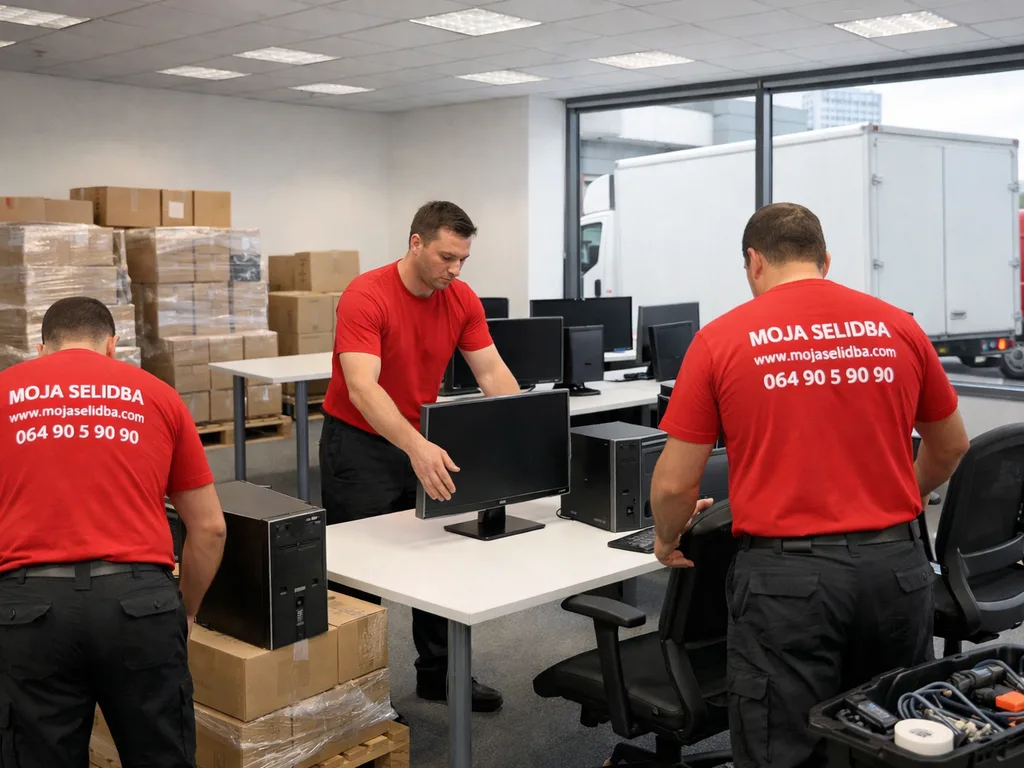
At the new address, the team carefully carries out and arranges equipment according to the agreement with the IT team. Rooms for unloading and placing computers, monitors, and network devices are prepared in advance. Devices are left in marked spots, and cables and peripherals are placed next to the corresponding equipment for easier connection. If necessary, phased input is enabled, especially for larger companies with multiple departments.
Cables and additional equipment are arranged in agreed locations for clarity and faster assembly. The layout is adapted to the new workplace system or client instructions. If needed, we offer temporary storage of equipment until infrastructure setup is complete. Everything is finished within the agreed timeframe, allowing the IT department quick access for connecting and testing systems.
Read what clients say about our organization, item protection, and our workers.


Highly recommended for the team! Fast, careful, and punctualReviews on Google profile

Great GuysReviews on Google profile

The team arrived at the agreed time. They professionally and carefully moved the packed furniture and protected/packed the furniture we hadn't packed. Highly recommended.Reviews on Google profile

Everything as agreed, excellent guysReviews on Google profile

The guys were great! They arrived quickly, professional, polite, and it was no problem that they carried the machine into a building without an elevator. Great experience!Reviews on Google profile
The scope of work and price depend on the quantity and type of IT equipment, number of workstations, building access, number of floors, presence of elevators, and distance between locations. Equipment specifics, such as transporting servers on special mounts or multiple monitors per workstation, also affect the price. Relocation of a server room with redundant devices and special packaging is arranged in advance.
For an accurate quote, request a free moving estimate or consultation by phone. The price does not include data migration or technical support unless specifically agreed upon. A final estimate is possible only after inspecting the premises and inventory. Additional requests, such as urgent moves or work outside standard hours, may affect the cost.
The moving date is arranged in advance, according to the team's availability and the company's needs. It is recommended to schedule several days ahead, especially for larger IT relocations. We define the timeframe by agreement and, if necessary, organize the move in multiple phases – for example, first relocating servers or key work units, then the rest of the equipment.
The client prepares the equipment for transport, powers down computers and servers, and informs employees and IT specialists. The IT department creates a device list and performs necessary backups, as our team does not assume responsibility for digital security. For additional services such as moving boxes or temporary storage, please see our offer. If the infrastructure is not ready, it is possible to arrange equipment storage until pickup.

Apartments, houses, and business premises — team and organization all in one place.
Learn more
A practical solution for smaller apartments, boxes, and individual pieces.
Learn more
Protection, removal, transport, and delivery to the new address.
Learn more

Reasons to Hire a Professional Moving Company

Moving with the Help of Friends or Professionals – Which to Choose?

5 Items Professional Moving Companies Will Not Transport
Moving IT companies and offices requires precise organization and specific considerations. Here are the most common questions and answers about the process, preparation, and logistics.
Disassembly and reassembly of computers or monitors is done only by agreement. The standard service includes protection and transport without technical setup.
Servers are transported in specially padded boxes or carriers, and loading and unloading are done manually with prior coordination with the IT team.
We move equipment that does not require specialized transport under regulatory conditions. For large server cabinets or devices with special requirements, prior arrangement is necessary.
Data migration is not part of the standard service. The client is responsible for backup and digital security unless otherwise agreed.
It is recommended to schedule at least three to five days in advance, especially for larger offices or complex equipment.
Yes, combined moving of IT equipment and office furniture is possible with prior agreed organization and scheduling.
Cables, mice, keyboards, and adapters are packed in labeled boxes and grouped by work units for easier assembly after the move.
Computers, servers, and other equipment should be powered down before the move begins. Our team does not take responsibility for turning off or servicing devices.
One member of our team is assigned to communicate with the client and can update you on the status of each step of the move.
We offer storage services for IT equipment and office furniture. This option is arranged in advance according to your needs.